Helping retailers sell, manage, and grow
- Role
- Design, research & strategy
- Team
- Product designer, PM, engineers
- Timeline
- 6 months
Context
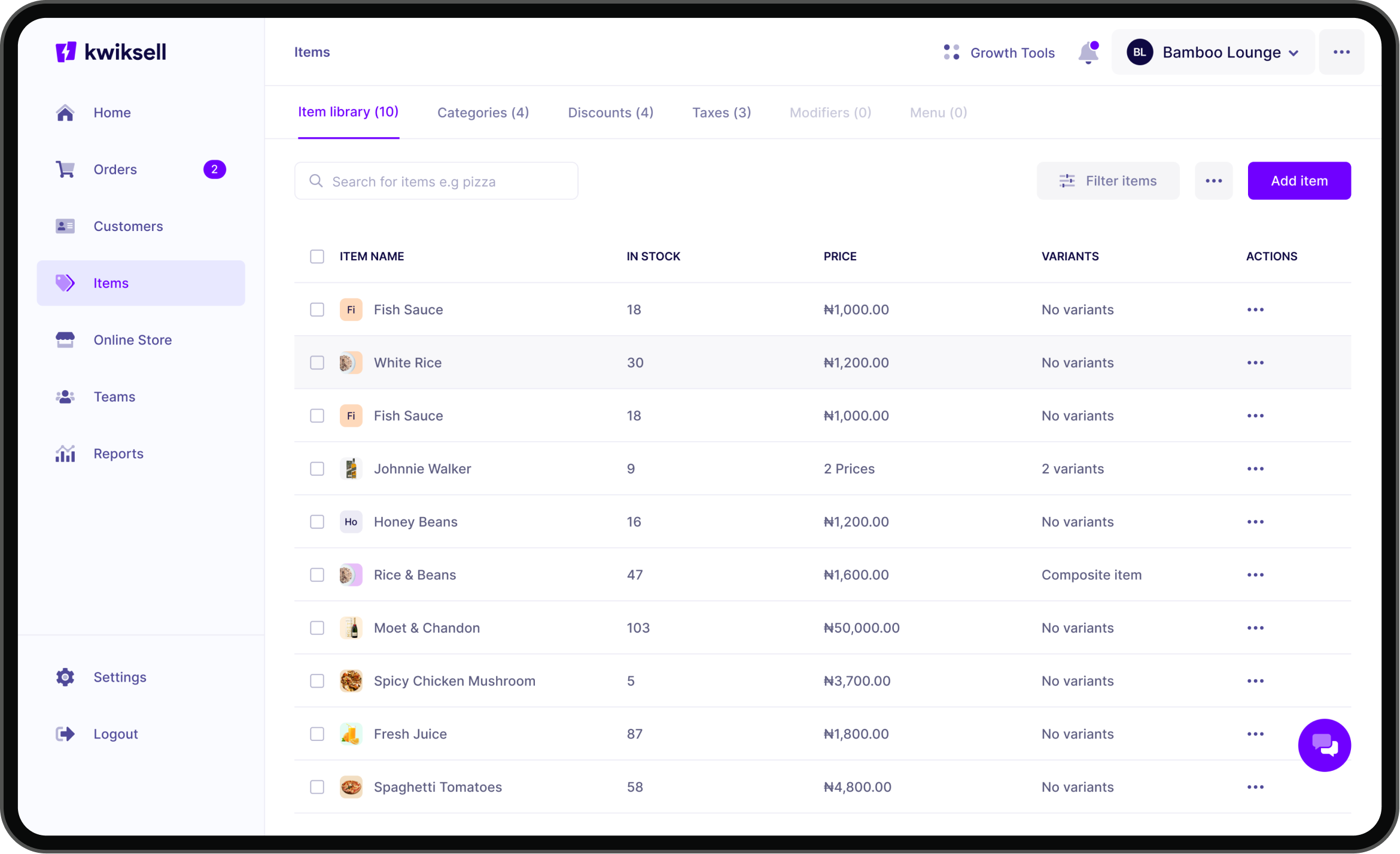
Kwiksell, formerly Eyowo Retail, was built for small retailers. Its sales and management features attracted a wider audience, including supermarkets and restaurants. By 2021, those new use cases exposed the product's limits, and feature requests and complaints piled up. We redesigned it to serve the businesses it had grown into.
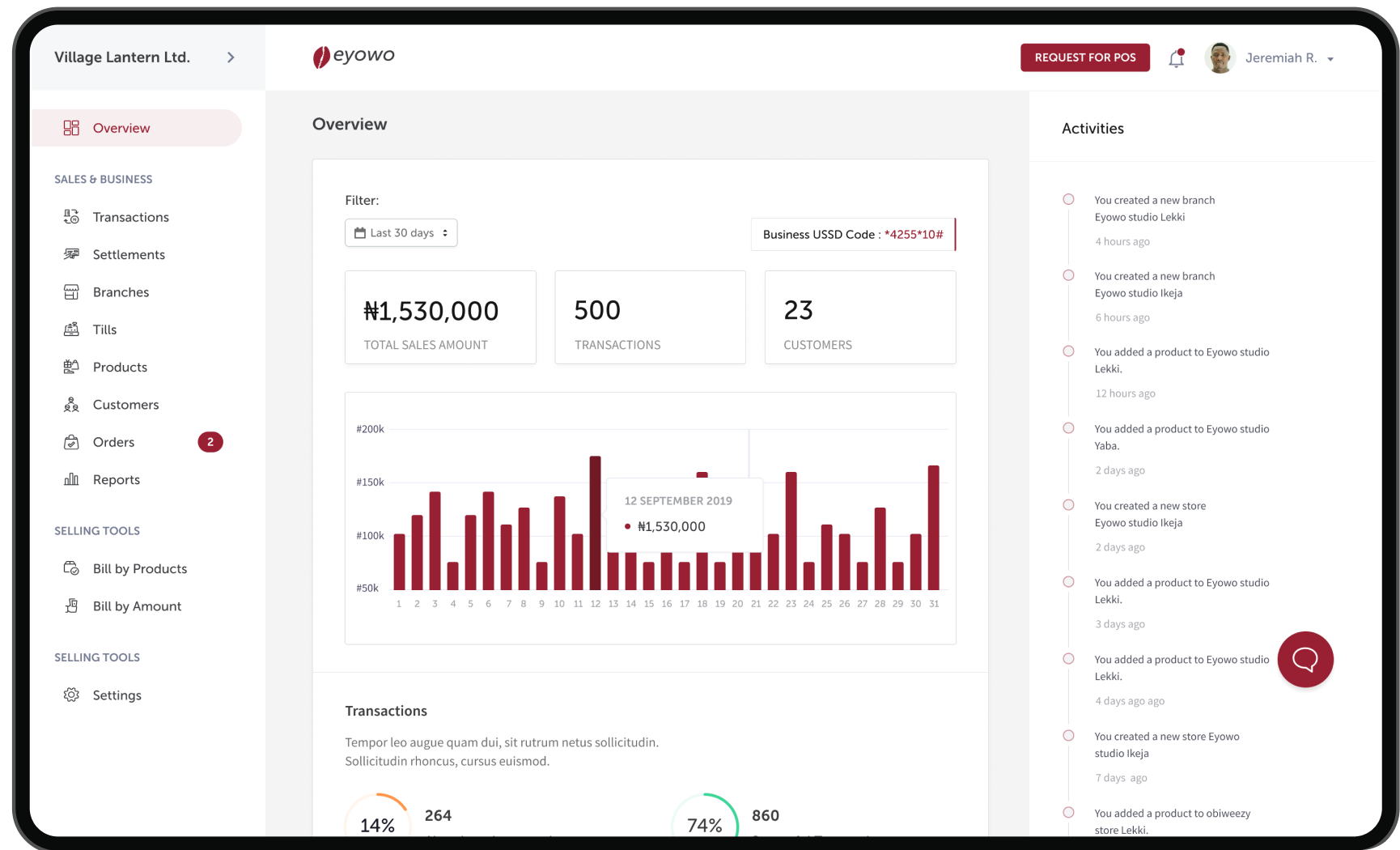
The problem
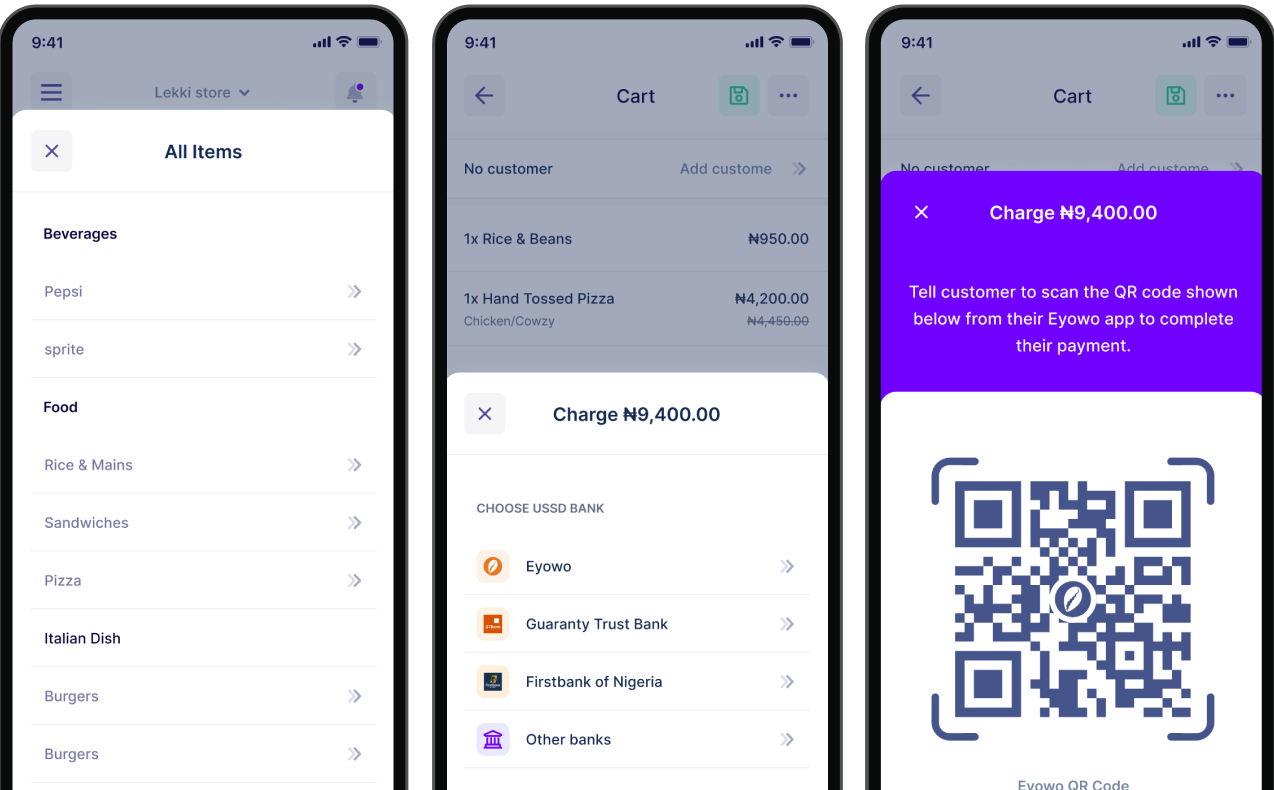
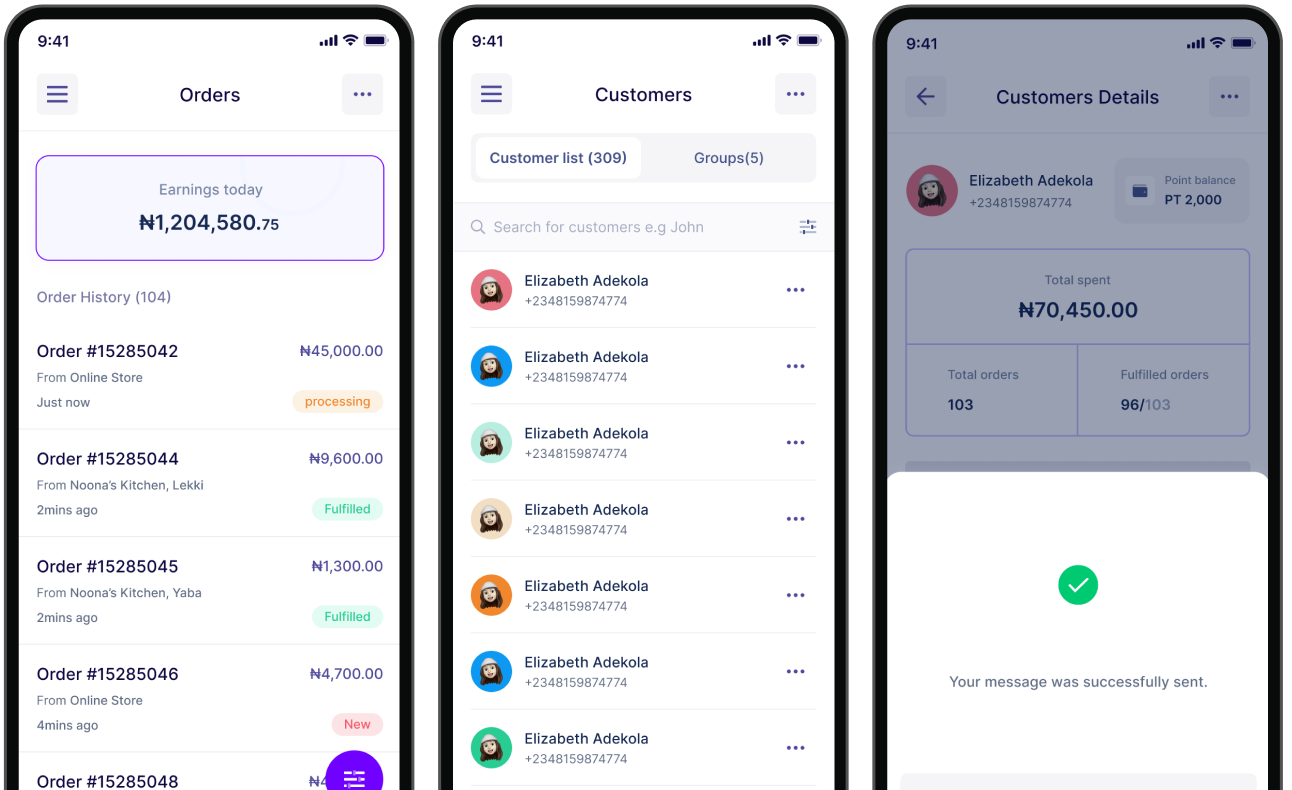
Selling and collecting payments was cumbersome, so orders were slow to fulfil and customers didn't return. Inventory data and reporting were unreliable. And one product flow served every business the same way, whether it was a market stall or a restaurant kitchen.
Impact
- +40%Acquisition
- +85%Engagement
- +100%Transactions
What I did
Understanding how different merchants ran their businesses
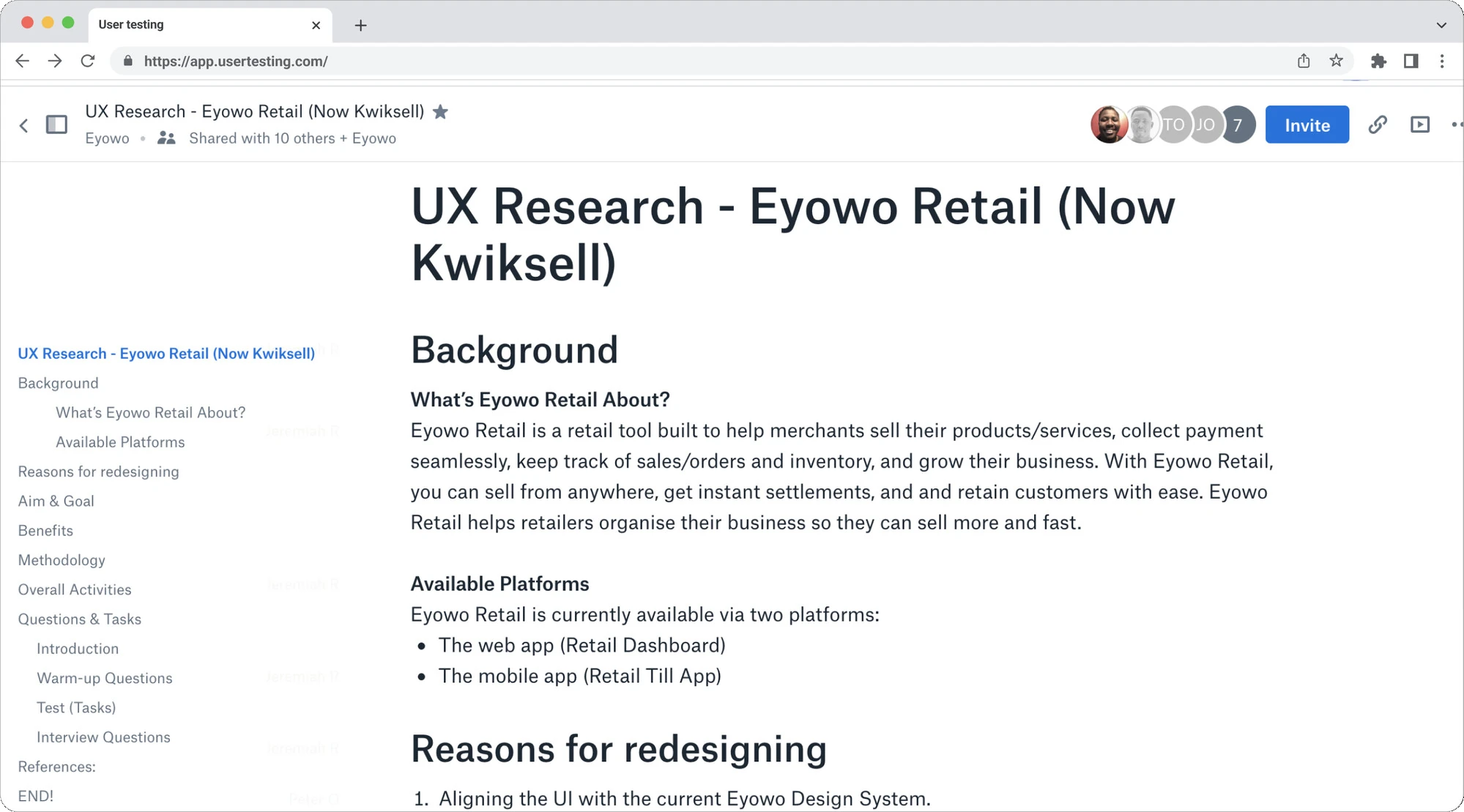
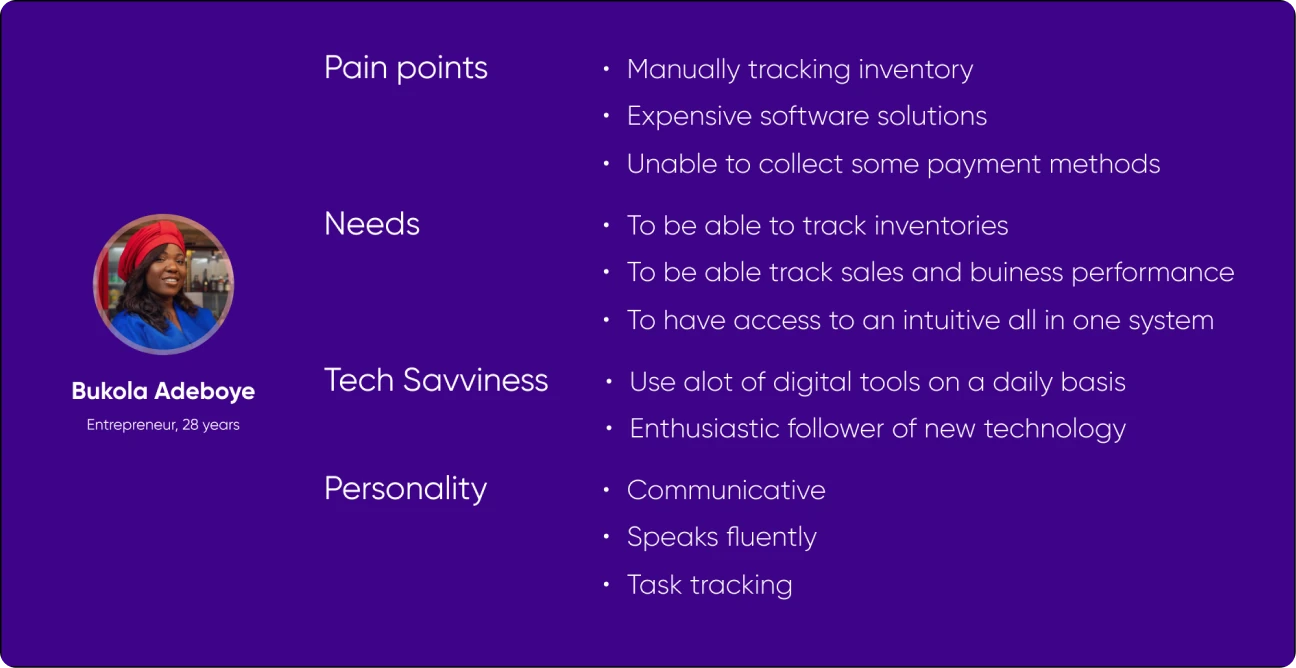
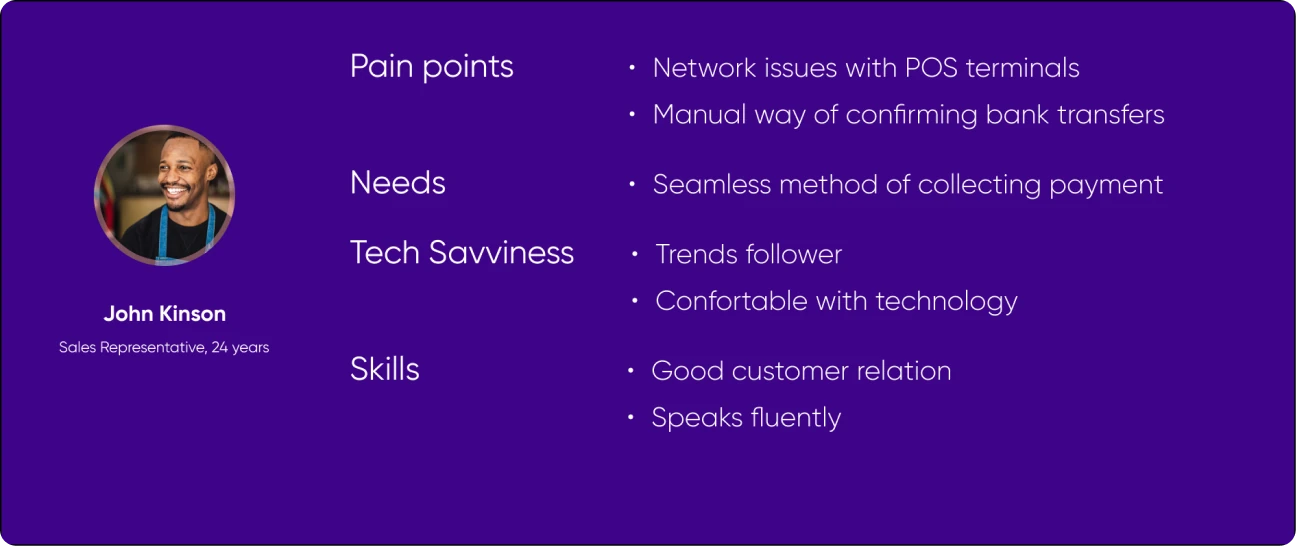
We researched with 18 merchants across 8 industries, in interviews and field studies of their shops. Their needs came down to five things: accountability, convenience, efficiency, accuracy, and personalisation. Every merchant needed to sell and account for it without friction, but what that looked like differed by business.
Deciding what should stay consistent
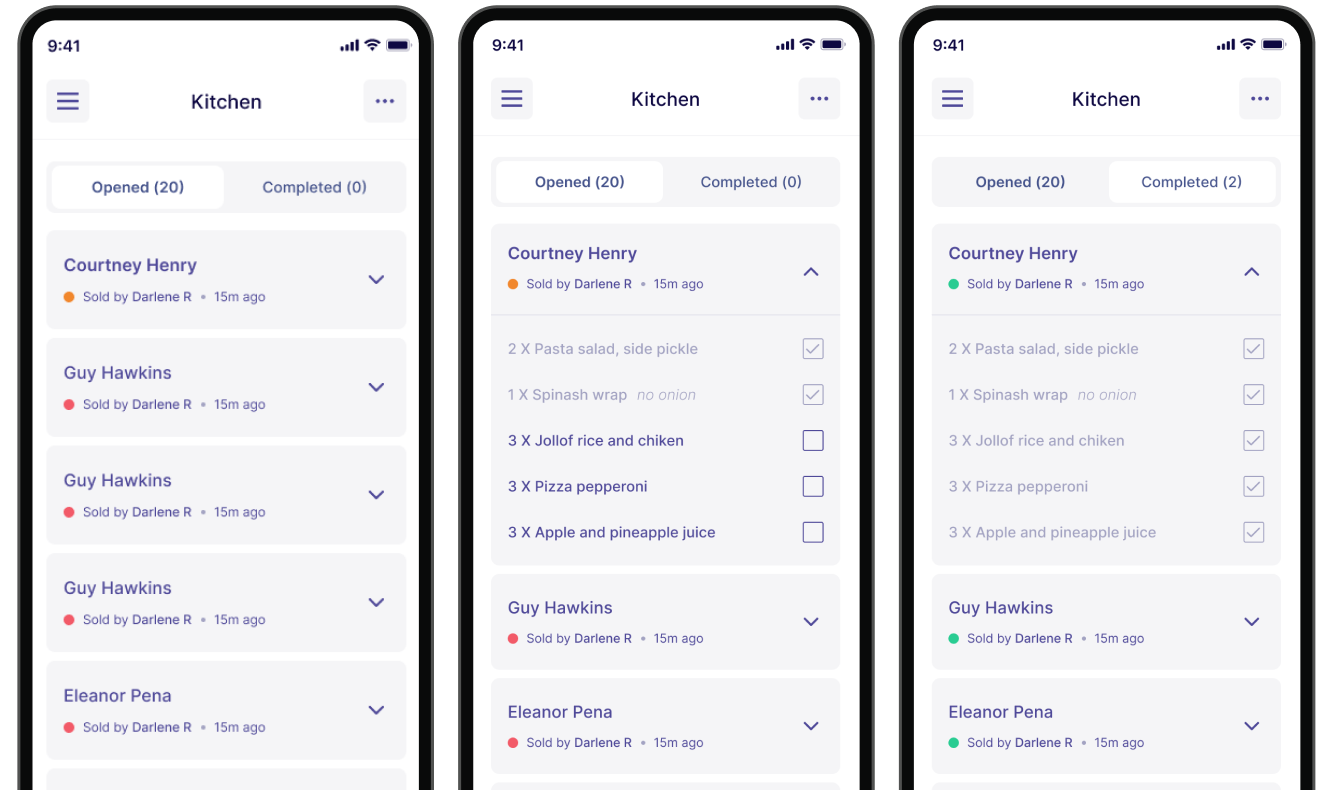
I kept selling universal and shaped everything else to the business. Every merchant got the same fast way to sell and get paid, and features like the kitchen display system existed only for the businesses that needed them.
Learning
Personalising a product starts with deciding what should stay the same for everyone.